LEAF EZ-ChargeⓇ2.1
Publisher Description
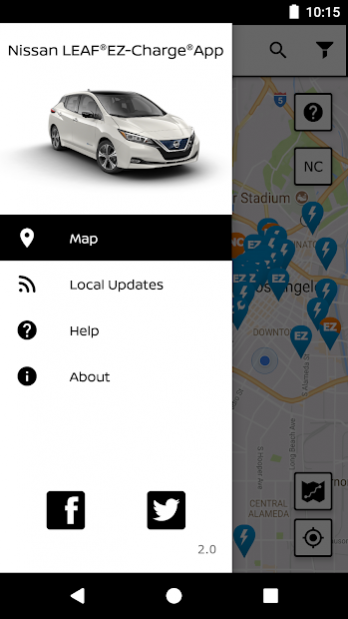
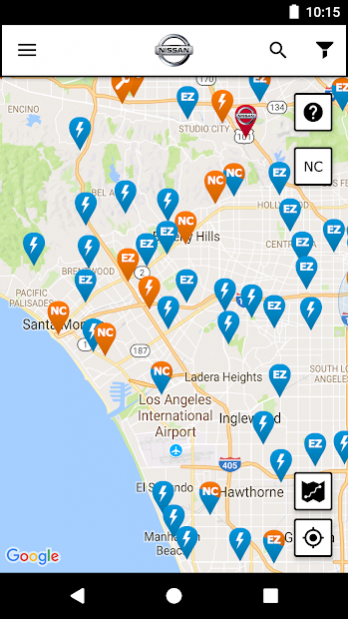
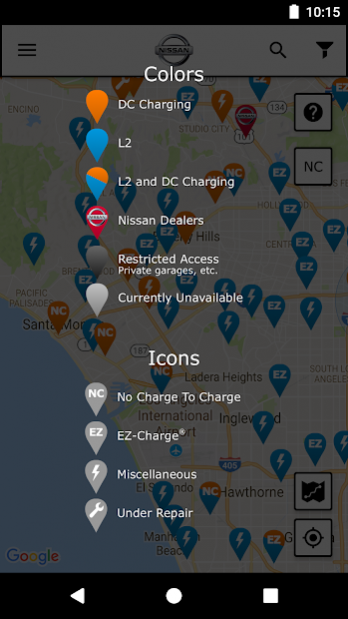
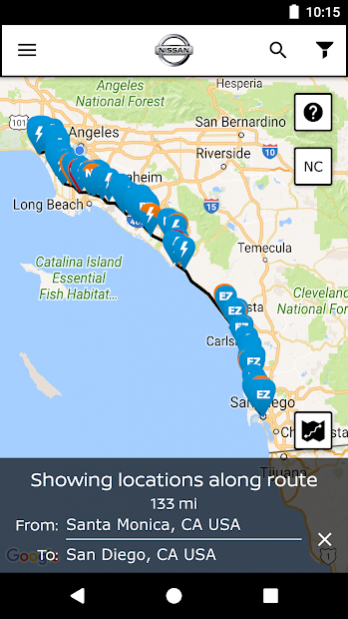
The Nissan LEAF public charging station location and route planning app.
The LEAF EZ-ChargeⓇ app provides the most accurate and complete public charging station map with the ability to filter results by charger type and charging network.
Effortlessly access a robust database of DC Quick chargers, that deliver an 80% charge in 30 minutes or less, from your fingertips.
The convenient Route Planner tool makes trip planning a breeze. Discover new charging locations by browsing local station updates to see where new chargers are being added near you, wherever you go.
Powered by PlugShare, the LEAF EZ-ChargeⓇ app leverages the largest community of EV drivers in the world to provide up-to-date charging station reviews, photos, and on-site location details that make driving electric easier than ever before.
The 100% electric Nissan LEAF is the best-selling EV in America -- and this app is purpose built for Nissan LEAF drivers who electrify the world one drive at a time.
About LEAF EZ-ChargeⓇ
The company that develops LEAF EZ-ChargeⓇ is Recargo Inc.. The latest version released by its developer is 2.1.
To install LEAF EZ-ChargeⓇ on your Android device, just click the green Continue To App button above to start the installation process. The app is listed on our website since 2021-08-06 and was downloaded 19 times. We have already checked if the download link is safe, however for your own protection we recommend that you scan the downloaded app with your antivirus. Your antivirus may detect the LEAF EZ-ChargeⓇ as malware as malware if the download link to com.xatori.nissanleaf is broken.
How to install LEAF EZ-ChargeⓇ on your Android device:
- Click on the Continue To App button on our website. This will redirect you to Google Play.
- Once the LEAF EZ-ChargeⓇ is shown in the Google Play listing of your Android device, you can start its download and installation. Tap on the Install button located below the search bar and to the right of the app icon.
- A pop-up window with the permissions required by LEAF EZ-ChargeⓇ will be shown. Click on Accept to continue the process.
- LEAF EZ-ChargeⓇ will be downloaded onto your device, displaying a progress. Once the download completes, the installation will start and you'll get a notification after the installation is finished.
Program Details
System requirements
Download information
Pricing
Version History
version 2.1
posted on 2021-08-06
LEAF EZ-Charge is scheduled to be sunset on 2/1/22. Both the No Charge to Charge and EZ-Charge programs expired in July, 2021, consequently the app is being retired.
To continue finding compatible charging stations, please consider downloading PlugShare.
version 2.0.11
posted on 2020-04-25
Fix for Google Maps caching crash
version 2.0.10
posted on 2019-11-05
Bug fixes and improvements
version 2.0
posted on 2017-12-18
Updated for the all new 2018 Nissan Leaf
version 1.1
posted on 2016-03-31
You can now post reviews to PlugShare!
